
Appearance
How to connect your team to an agency
If an agency manages your product feeds or catalog ads, you can connect your Feedr team to them. The agency can then work in your shops without you having to invite each person at the agency one by one.
You keep your team, your shops, your data and your subscription. You can disconnect the agency at any time.
Before you start
- You need the agency's invite link. Ask your agency to send it to you.
- You need to be an owner of the Feedr team you want to connect.
- Your team can only be connected to one agency at a time.
Connect your team
- Open the invite link from your agency.
- Sign in to Feedr. If you don't have an account yet, click Create account and sign up first. You're brought back to the invite afterwards.
- Read What connecting means, so you know what the agency gets access to.
- Under Choose a team, select the team you want to connect.
- Click Connect team.
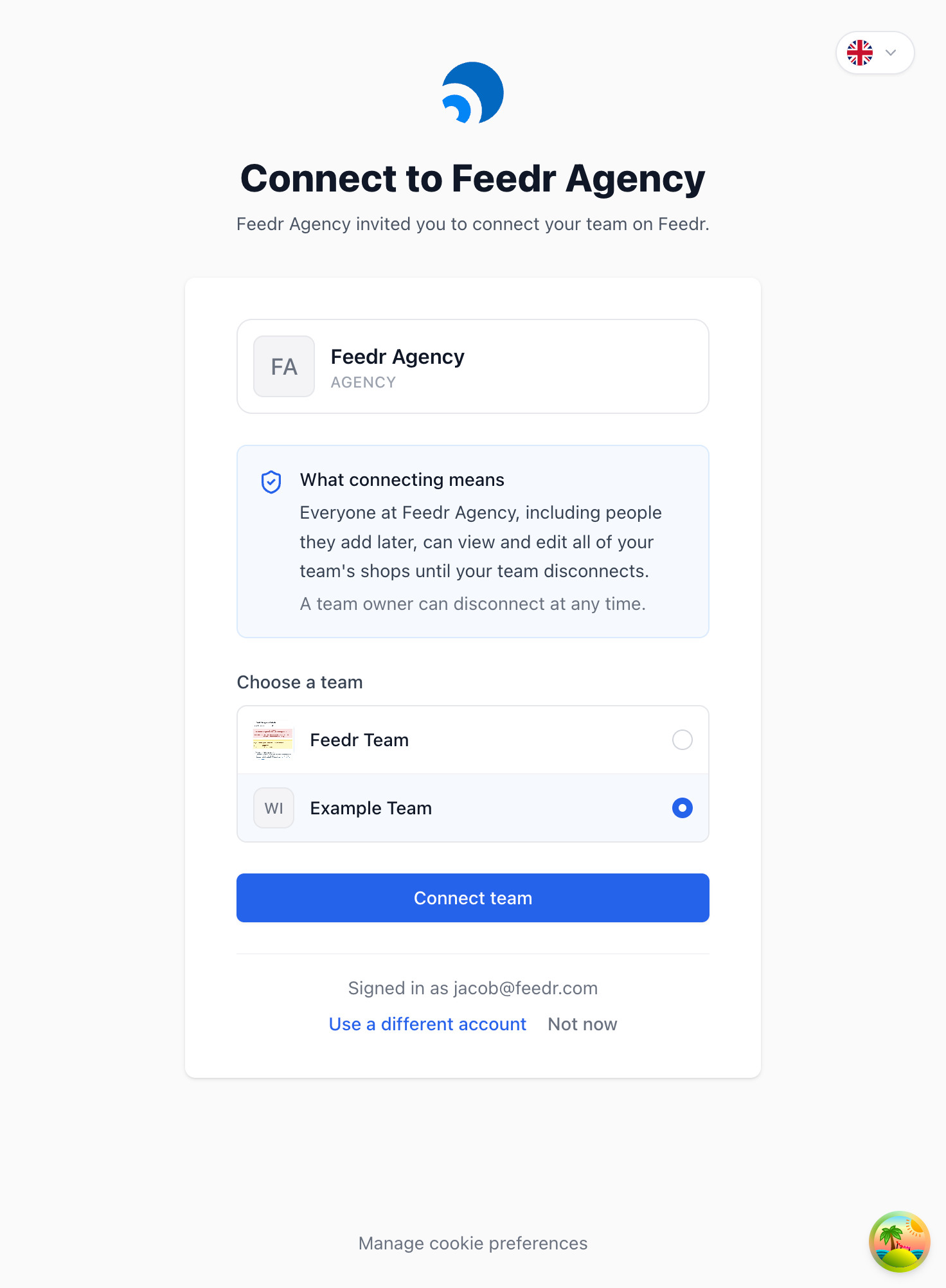
Your team is connected straight away. Everyone who owns your team gets an email confirming the connection.
TIP
If you don't have a Feedr team yet, your agency can create one for you instead. Ask them to set it up and invite you as an owner.
What the agency can do
People at the agency who have access to your team can:
- View and edit all of your shops
- Create, edit and delete feeds, templates and shops
They can't:
- See or change your billing and subscription
- Invite, change or remove users on your team
- Change your team settings
The agency decides which of its people work on your account. You can always see who has access on your Users page. See how to manage your agency connection.
If you can't connect
| Message | What to do |
|---|---|
| You don't own a team that can connect | Only a team owner can connect a team. Ask an owner of your team to open the link. |
| This team is already managed by another agency | Disconnect the other agency first, then open the link again. |
| This link is no longer valid | The agency has replaced its invite link. Ask them to send you the new one. |