
Appearance
How to manage your agency connection
Once your team is connected to an agency, you can see who at the agency has access, give individual people extra access, and disconnect the agency when you stop working together.
See your agency connection
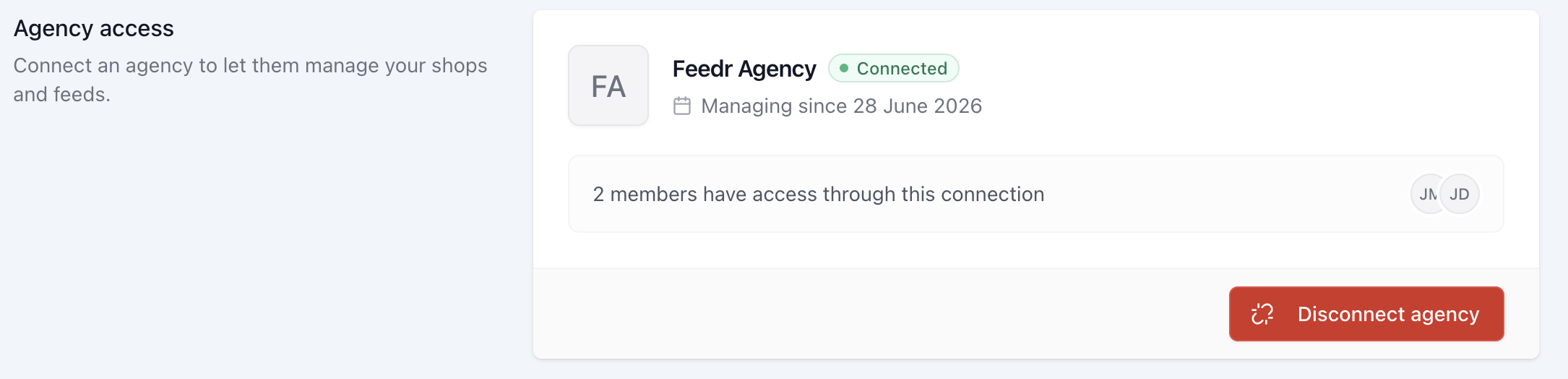
Go to Users in the menu. The Agency access box shows:
- The agency you're connected to
- When they started managing your team
- How many people have access through the connection
In the list of members, people who have access through the agency are marked with an Agency badge.
Give someone at the agency a different role
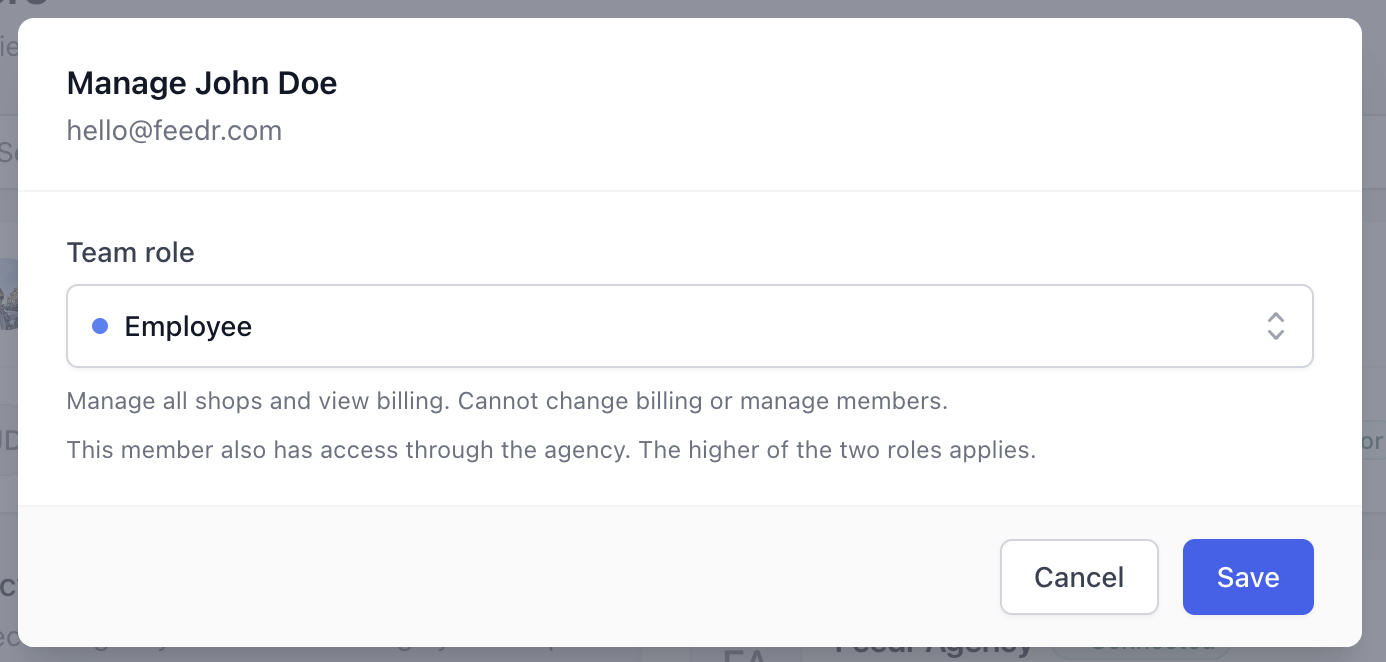
People at the agency get access to manage all of your shops, but not your billing or users. If you want a specific person to have more access, for example to manage your billing, you can give them a role directly:
- On the Users page, open the actions menu next to the person.
- Choose a Team role for them.
When someone has both agency access and a role you gave them directly, the higher of the two applies. They're marked with a Direct badge.
To take the extra access away again, choose Remove direct access. They keep the access they have through the agency.
INFO
You can't remove someone's agency access yourself. The agency decides which of its people work on your account. If you don't want a specific person to have access, ask the agency, or disconnect the agency.
Disconnect the agency
Only owners of your team can disconnect the agency.
- Go to Users.
- In the Agency access box, click Disconnect agency.
- Confirm.
Everyone who had access through the agency loses it immediately. Your shops, feeds, templates and subscription aren't affected, and the agency gets an email saying you've removed the link.
People you gave a role directly keep that role after you disconnect. This includes anyone at the agency who created your team for you, since they're an owner of it. Check your Users page and remove anyone who should no longer have access.
To connect again later, open the agency's invite link. See how to connect your team to an agency.