Appearance
Equals
The equals rule is the simplest rule of them all. It is used to check if something is equal to something else.
Options
To use the equals rule you need to give it the value it needs to check against. This can either be a static value or a dynamic field from the product.
Case Sensitive
By default the equality is not case sensitive. This means that red and Red are considered equal. If you want to make the equality case sensitive you can set the caseSensitive option to true.
Regex
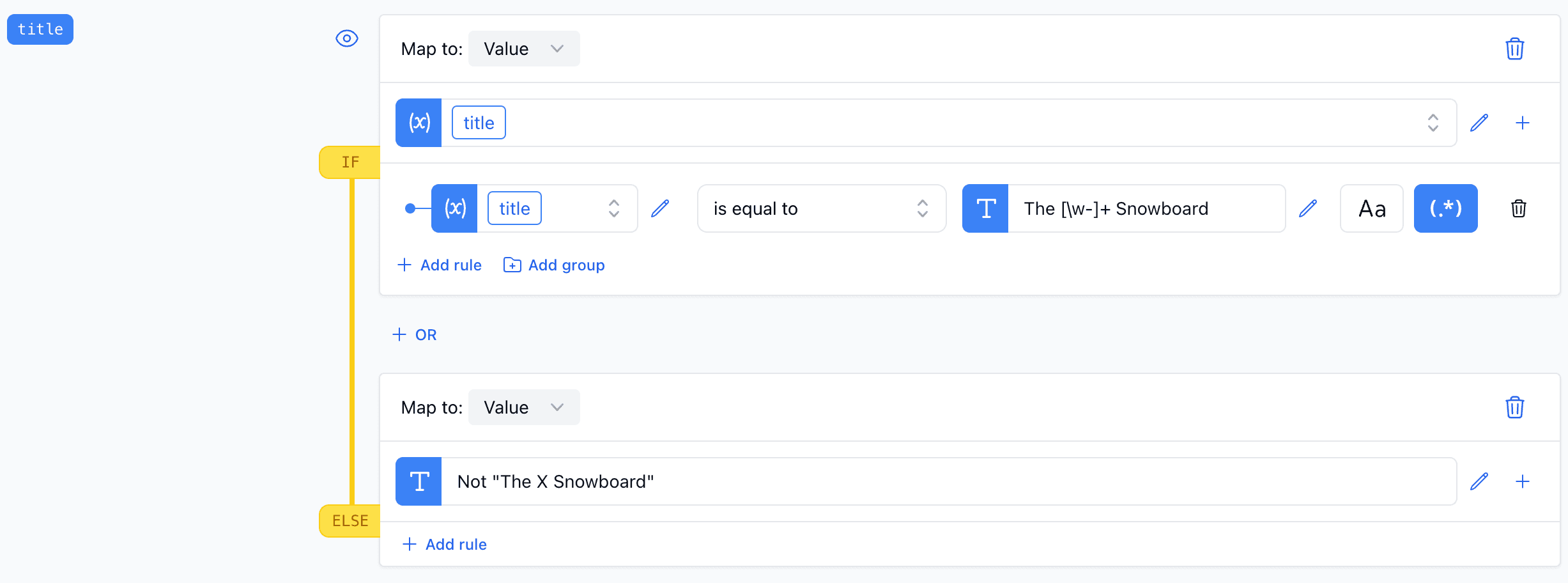
You can also use a regular expression to check if the value matches a certain pattern. This can be useful if you want to check if a value starts with a certain string or if it contains a certain string.
Examples
Simple
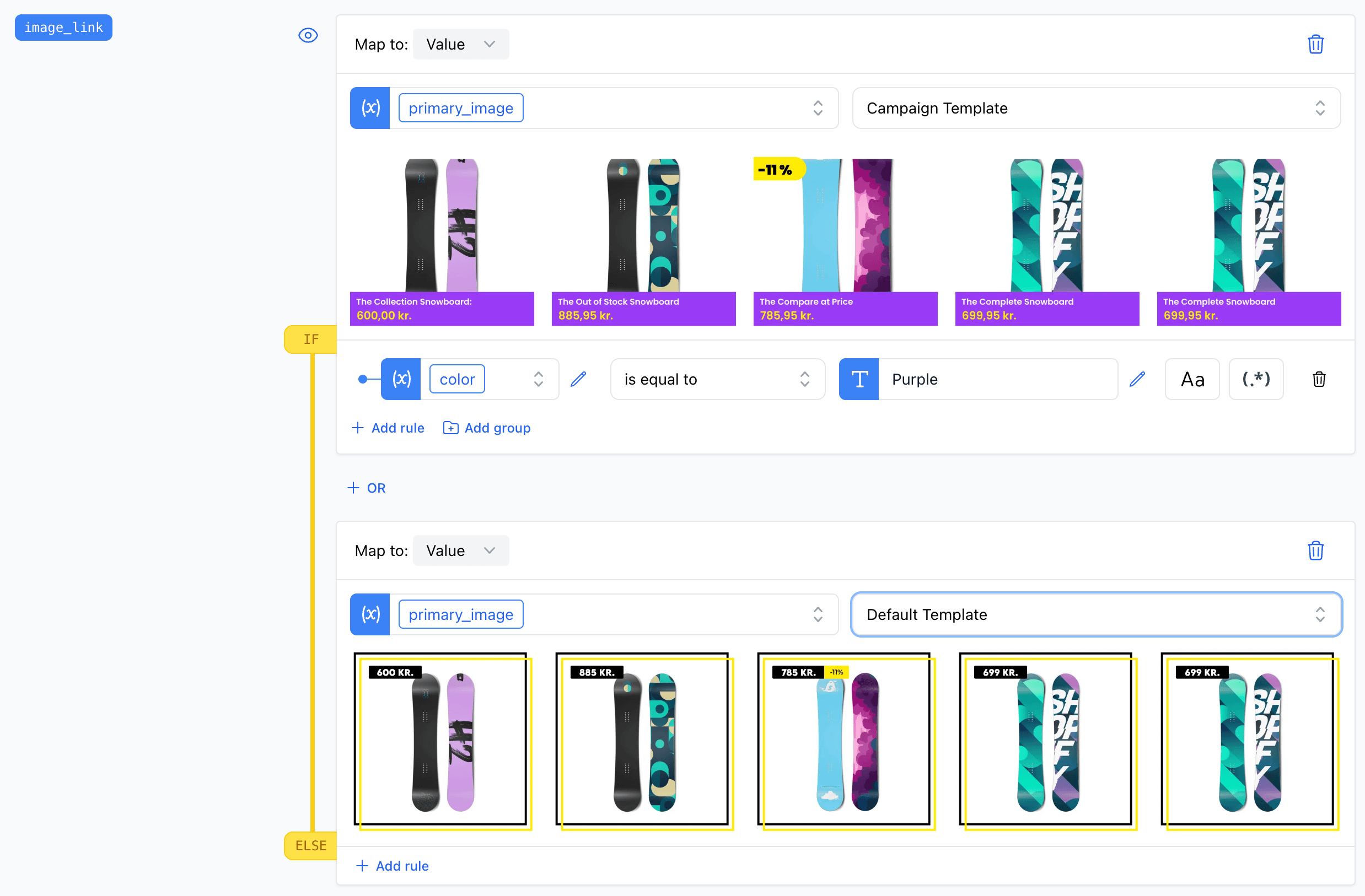
In the example we check if the color of the product is equal to the color of the user's choice.
Regex
In this example we check if the title of the product starts with "The" and ends with "Snowboard" using a regular expression.