Appearance
Not Equals
The not equals rule is used to verify that a given value is not identical to a specified comparison.
Options
To utilize the "Not Equals" rule, specify the value to compare against. This can be either a static value or a dynamic field from the product.
Case Sensitivity
The rule is case-insensitive by default, meaning Red and red are deemed equivalent. Enable the caseSensitive option to enforce case sensitivity.
Regex
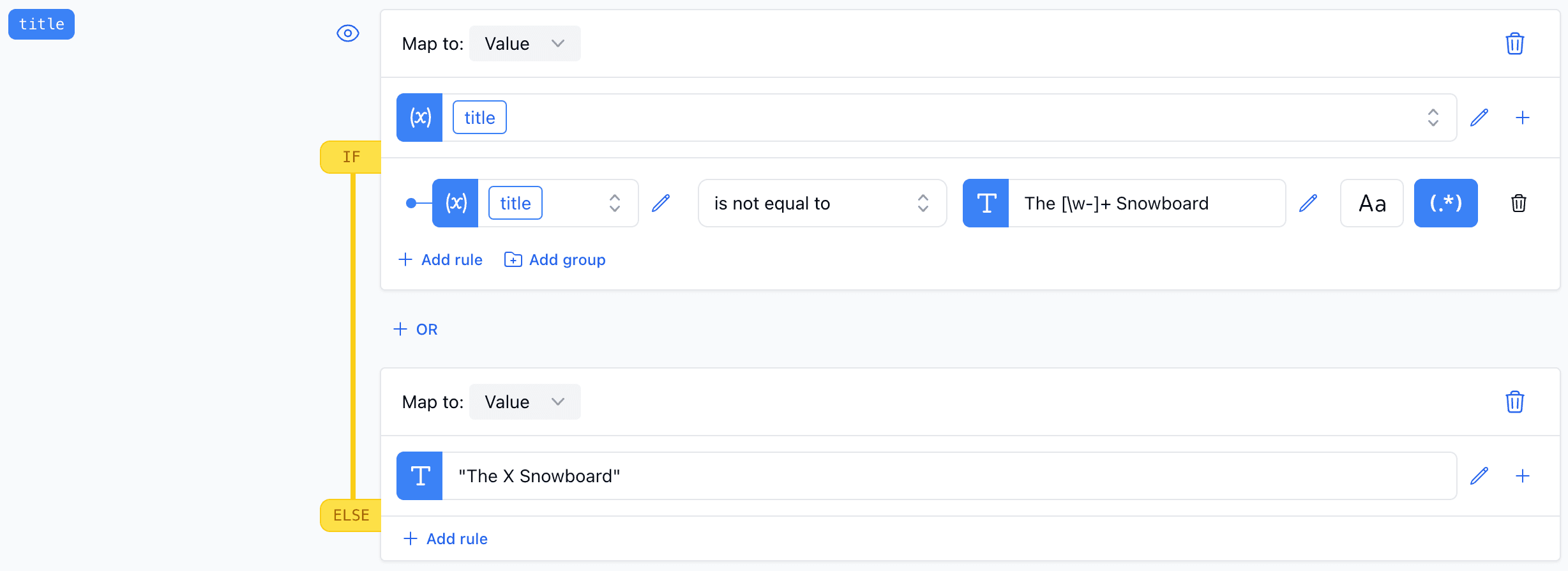
Regular expressions can also be used to ascertain that a value doesn't match a specified pattern.
Examples
Basic Usage
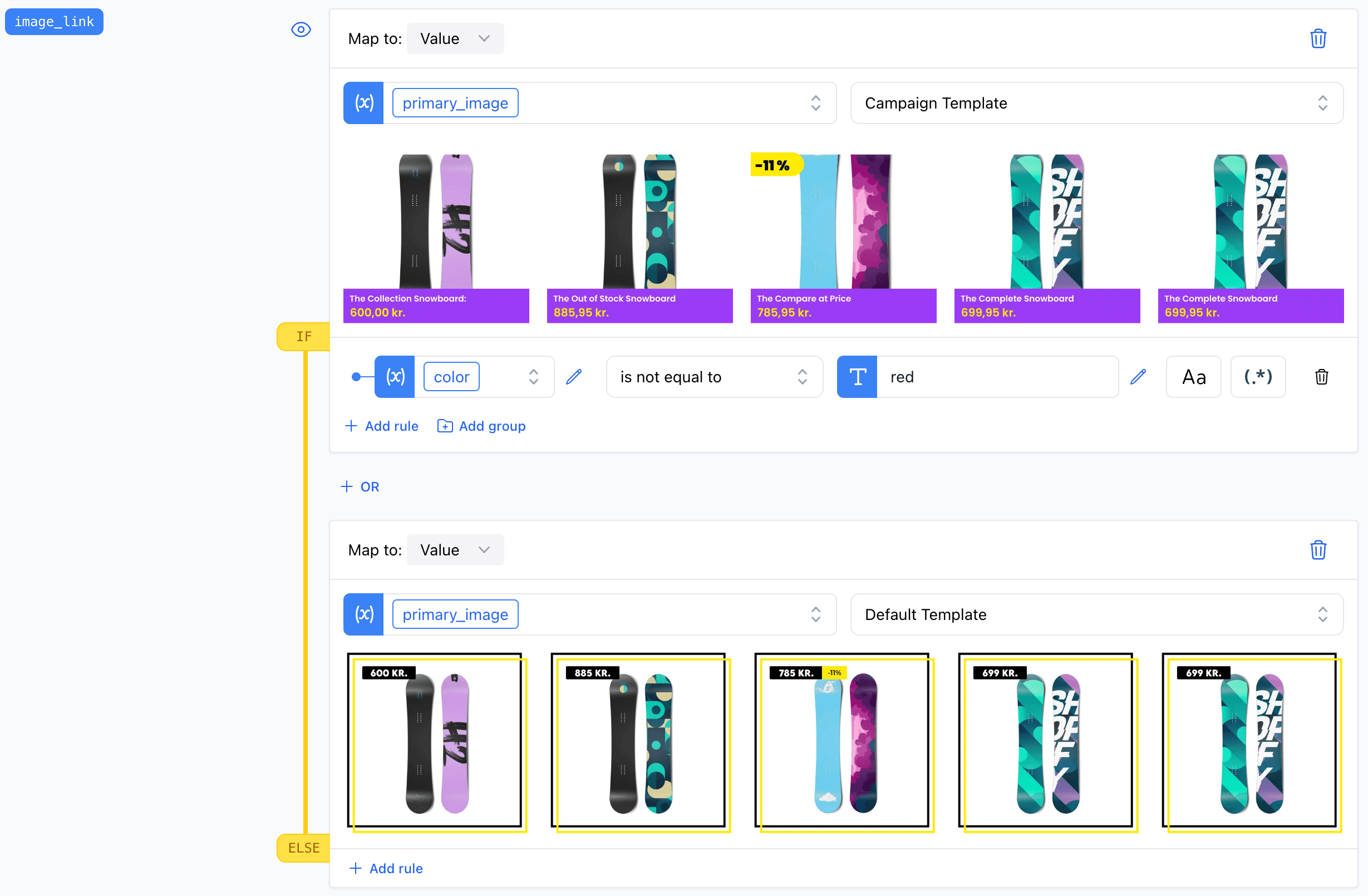
In this example, we validate that the color of the product is not "Red".
Regex
Here, we verify that the product title neither starts with "The" nor ends with "Snowboard".