
Appearance
How to detach a client
When you stop working with a client, you can detach them from your agency. The client keeps their own team with all of its shops, feeds and data, and your agency loses access to it.
Detach the client
- Go to Clients.
- Click the ⋯ menu on the client's card and choose Detach client.
- Click Detach client to confirm.
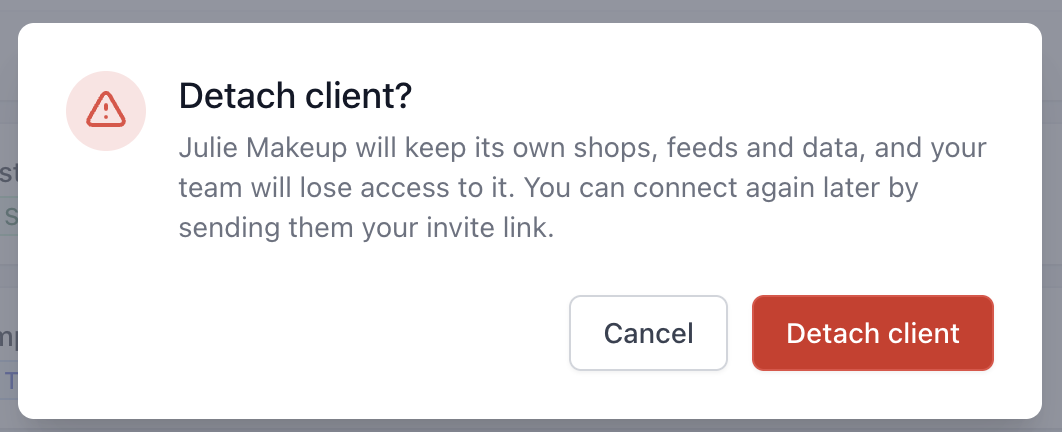
The client is removed from your Clients page, and the client gets an email saying your agency is no longer linked to their account.
Agency owners and employees can detach clients.
What happens after detaching
- Everyone who had access through your agency loses it immediately.
- The client keeps everything. Their shops, feeds, templates and subscription carry on as before.
- Access given directly by the client stays. If you created the client team, you're still one of its owners. The same goes for anyone the client invited to their team directly. If you no longer need that access, remove yourself from the client's Users page.
TIP
If you created the client team, make sure at least one person at the client is an owner before you leave. Otherwise nobody at the client can manage their subscription and users.
Connect again later
To work with the client again, send them your invite link. See how to invite an existing client.
When the client reconnects, access goes back to Everyone at your agency. If you had limited access to selected people before, set it up again. See how to choose who can access a client.